
Windows 10 and 11
A desktop pet for Windows
DeskyPaw puts a living 3D pet on your Windows desktop. It walks along the bottom of your screen, just above the taskbar, hops, wags, barks or meows, and keeps you company with a built-in focus timer. It is a free download from the Microsoft Store, with a 7-day trial and sixteen pets to choose from.
What it does on your PC
- Walks along the bottom of your screen above the taskbar, hops, wags and does its signature trick
- Lives in the notification area: click the paw next to the clock to pick a pet, change its size, play a trick or start a focus session
- Click-through window, so it never blocks your work
- Steps aside for full-screen games, videos and presentations, and pauses on the lock screen
- Ctrl+Alt+P hides or shows your pet from any app; Ctrl + scroll on the pet resizes it
- Works with several displays and any display scaling, and can start when you sign in
- Gentle reminders to rest your eyes, drink water and stretch
- No account, no tracking, and it works offline after activation
Get it in a minute
- Open DeskyPaw in the Microsoft Store and click Get. It is free and needs no administrator rights.
- Open DeskyPaw. Your pet appears at the bottom of the screen, and the paw icon appears next to the clock (if it is hidden under the ^ arrow, drag it next to the clock).
- Enjoy the 7-day trial with every pet. To keep DeskyPaw, buy a license key once and enter it from the paw menu. The Store keeps the app up to date.
System requirements
- Windows 11, or Windows 10 version 1809 or later
- An Intel or AMD (x64) or an ARM64 processor; the Store picks the right version
- Graphics with DirectX 11 support (any PC from the last decade)
Sixteen pets, one price
 Golden retrieverThe sunny one.
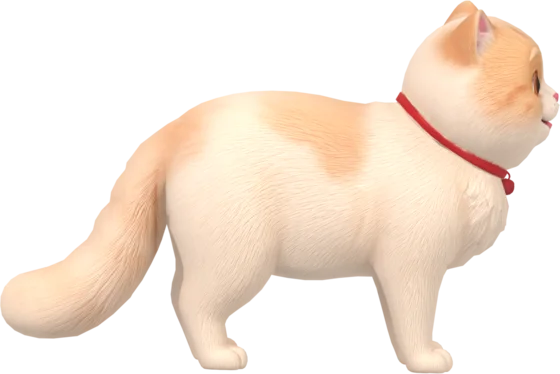 Persian catFluffy, curious, and it meows instead of barking.
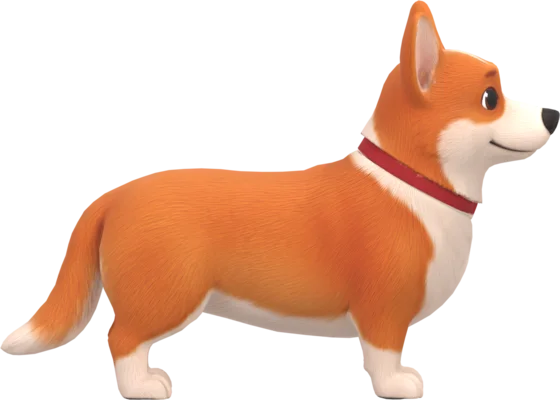 CorgiShort legs, fast paws, high-pitched woof.
 Shiba InuFox-faced and a little bit smug.
 DalmatianSpotted, long-tongued and bouncy.
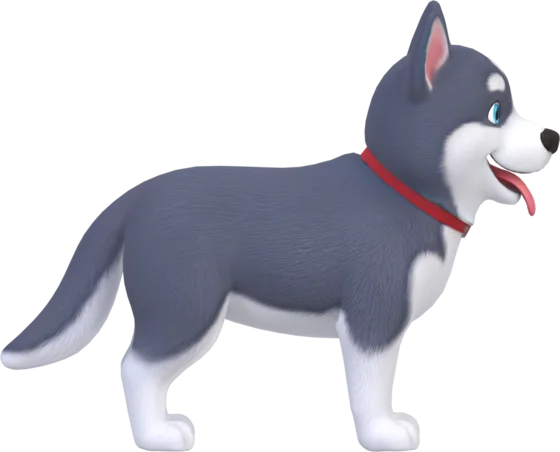 HuskyDramatic, deep-voiced and fluffy.
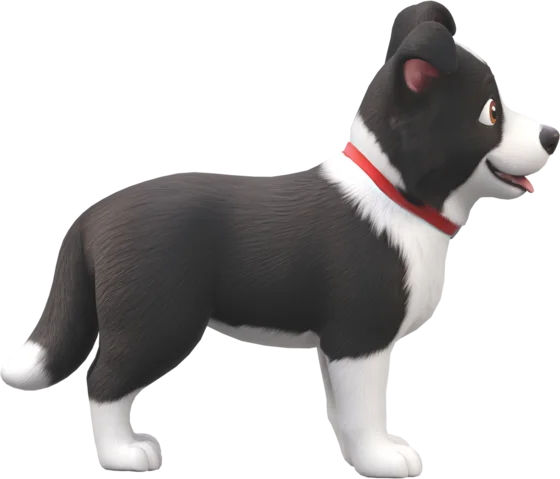 Border CollieAlert and clever, with floppy ears.
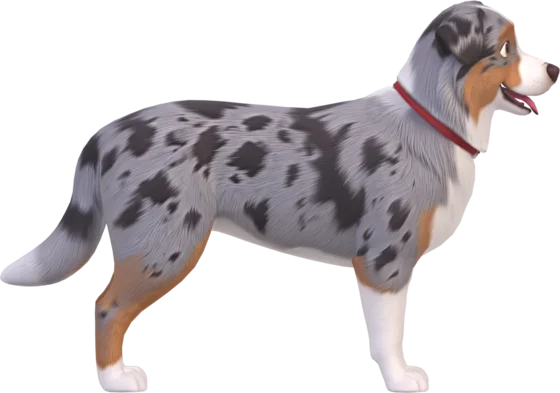 Australian ShepherdBlue merle, bright-eyed and endlessly cheerful.
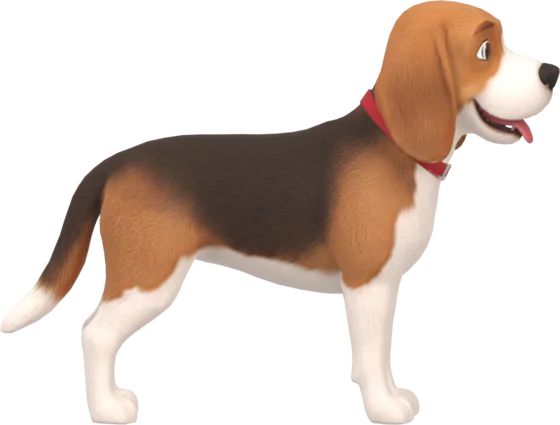 BeagleLong floppy ears and a nose for fun.
 SchnauzerBushy brows, a wise grin and a lot of beard.
 LabradorLoyal, goofy and always happy to see you.
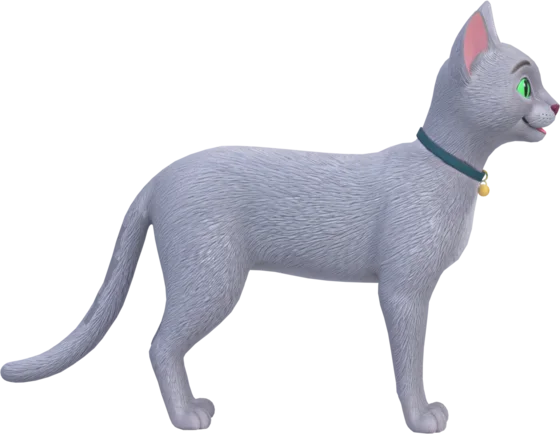 Russian BlueElegant, silver-blue and quietly cheerful.
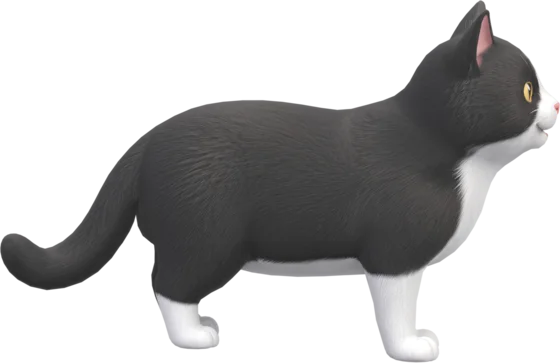 Tuxedo catDressed for the occasion, and it meows instead of barking.
 WhippetSleek, graceful and always listening for something.
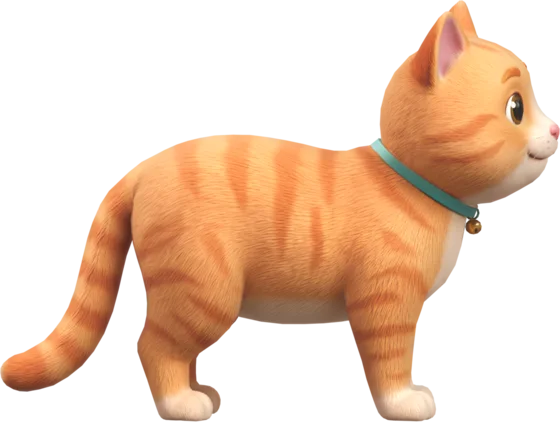 Orange TabbyRound, ginger and full of mischief, with a bell that jingles.
 Red pandaWaves hello instead of barking.
Price
Free to download and try for 7 days. Then a one-time purchase of about $8.99 (₹399 in India; your price is shown in your currency at checkout), with no subscription. One license key works on up to 2 of your computers, Mac or Windows. See pricing.
Questions
Is there a desktop pet for Windows 11?
Yes. DeskyPaw is a 3D desktop pet for Windows 11 and Windows 10: sixteen animated dogs, cats and a red panda that walk along the bottom of your screen, above the taskbar, with a built-in focus timer.
Is DeskyPaw free on Windows?
The download from the Microsoft Store is free and includes a 7-day trial with every pet. After that, DeskyPaw is a one-time purchase of about $8.99 (₹399 in India), with no subscription.
Does DeskyPaw work on Windows 10?
Yes, on Windows 10 version 1809 or later, and on Windows 11, with an Intel, AMD (x64) or ARM64 processor.
Where is the DeskyPaw icon on Windows?
The paw sits in the notification area next to the clock. If Windows put it under the ^ arrow, drag it down next to the clock. Click it for the menu: pets, size, tricks, the focus timer and settings.
Will the pet get in the way of games or videos?
No. Your pet steps aside while a game, a video or a presentation fills the screen, and comes back afterwards. Its window lets clicks pass straight through, so it never blocks your work. Ctrl+Alt+P hides or shows it from any app.
Does it work on ARM PCs?
Yes. The Microsoft Store installs the native ARM64 version on ARM PCs, such as Snapdragon laptops, and the x64 version on Intel and AMD PCs.
Can I use my DeskyPaw license on both Mac and Windows?
Yes. A license key bought on deskypaw.app works on up to 2 of your computers, Mac or Windows in any mix.
Does a desktop pet slow down my PC?
DeskyPaw is built natively for Windows with DirectX 11. It draws one small 3D model in a transparent window and pauses when the pet is hidden, so it stays light on your CPU and memory.